
Binbo: the swipe photo cleaner for iPhone
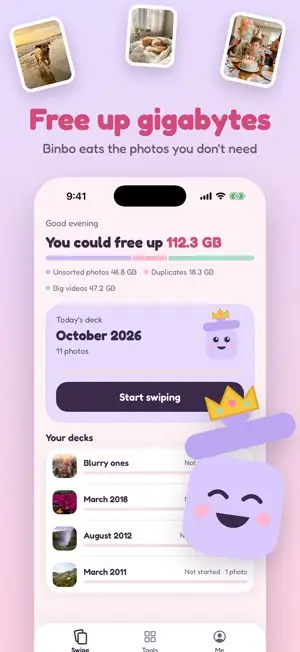
Swipe left to toss, right to keep. Binbo helps you clear out duplicates, screenshots and big videos and free up gigabytes of iPhone storage in minutes.
Download on the App StoreFree to download. Works on iPhone and iPad.
Clean your camera roll without the dread
Swipe to clean
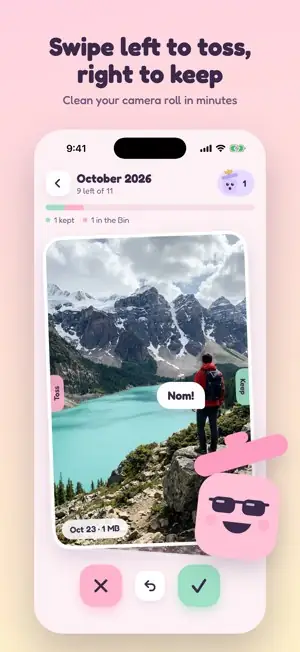
One photo at a time, sorted by month. Swipe left to toss, right to keep, and undo anytime.
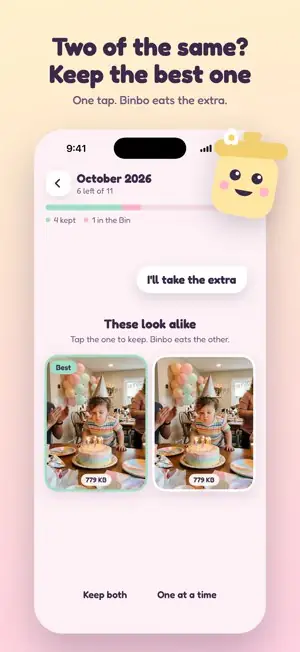
Duplicates and similar photos
Binbo finds exact copies and near-identical shots, and you pick the best one to keep.
Screenshots, blurry shots and big videos
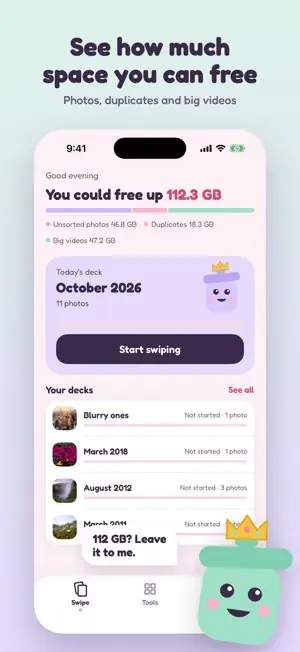
Find the stuff that quietly eats your storage, sorted by how much space it takes.
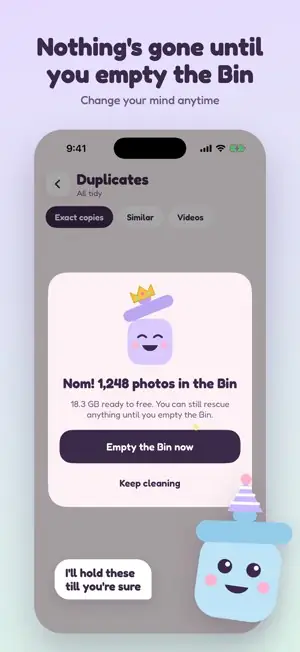
Nothing is gone until you say so
Tossed photos wait in the Bin. Change your mind anytime, then empty it when you are sure.
Shrink big videos and Live Photos
Keep the memory, lose the gigabytes. Replace a huge video with a smaller copy in one tap.
Hide private photos
Move photos into a hidden album locked with a PIN or Face ID.
Private by design
Your photos are sorted on your iPhone. They are never uploaded to our servers.
A little friend who helps
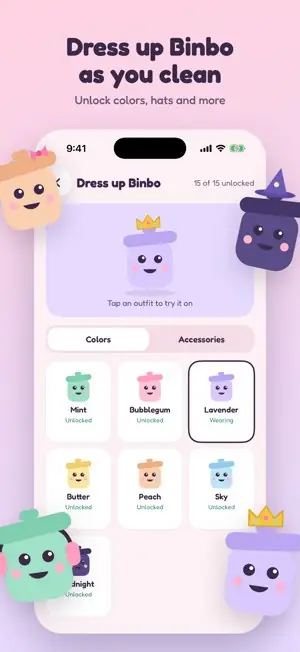
Binbo cheers you on, eats what you toss, and gets new outfits as you clean.
Questions
Is Binbo free?
Yes. Binbo is free to download and you can clean your first 100 photos right away, then 50 a day. Binbo Plus removes the daily limit and unlocks every tool, for $2.99 a month or $14.99 a year.
Does deleting a photo in Binbo delete it from iCloud?
Binbo uses Apple's Photos library, so when you empty the Bin, iPhone moves those photos to Recently Deleted, the same as deleting them in the Photos app. If iCloud Photos is on, that applies to your other devices too. You can still recover them from Recently Deleted for 30 days.
Do my photos leave my phone?
No. Binbo looks at your photos on your device to find duplicates and sort them. Read our privacy policy for the details.
Was Binbo called Snap Clean before?
Yes. Binbo is the new name for Snap Clean, with a new look, a mascot, and faster cleaning. If you already had Snap Clean, it updates to Binbo for free.
Running out of iPhone storage? Read our step-by-step guide: How to free up iPhone storage without losing the photos you love. Comparing apps? See the best photo cleaner apps for iPhone.
Get Binbo free